Dusk IDE · code editor for macOS, Windows & Linux
The IDE for the
golden hour
Dusk is a fast, focused code editor built from scratch — not another VS Code fork. Language servers, real git tooling, a debugger and AI coding agents are built in, wrapped in a twilight design you'll actually enjoy looking at.
v0.25.0 alpha · free, no account, no telemetry · first-launch setup ↓
Everything in the box
An IDE, not a text editor with homework
No extension safari before you can work. Dusk ships with language intelligence, git, a debugger, a terminal and AI agent sessions on day one.
Language intelligence
Nine language servers ship built in — TypeScript, JavaScript, Python, JSON, CSS, HTML, YAML, Shell, Markdown — and Rust, Go, C/C++, Lua and Ruby join automatically when their tools are installed. Syntax for 40+ languages. Diagnostics, hover docs, completions, go‑to‑definition, references, rename, format.
Git, properly
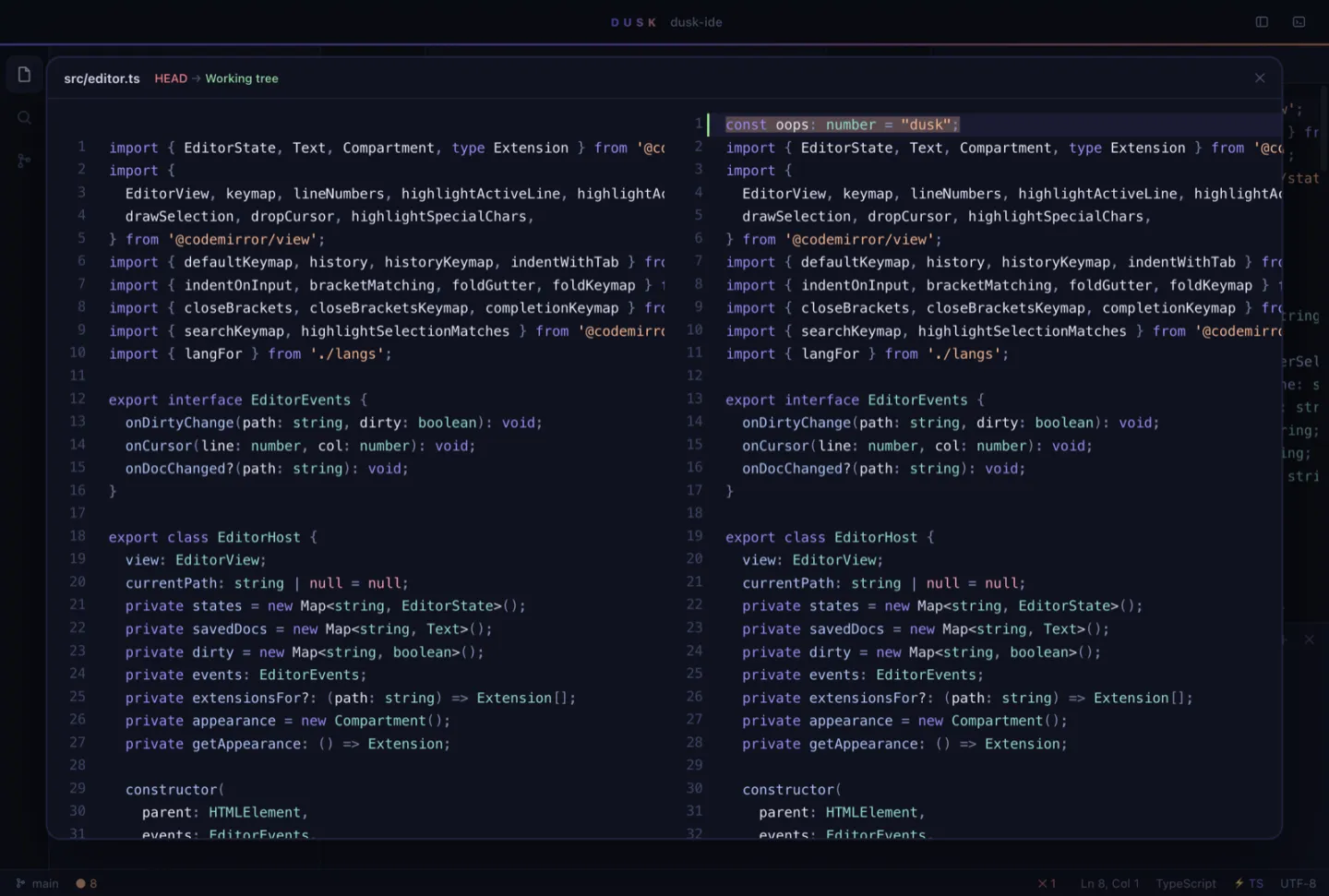
Stage and unstage files, stash, amend, fetch, push and pull. A branching commit graph, side-by-side diff viewer, live diff gutters, inline blame and a branch switcher. All first-party, all one click.
AI agents, side by side
Run Claude Code, Codex, Gemini, Aider, OpenCode or Cursor Agent — several at once — each in its own session and, optionally, its own git worktree so they never collide. Review or merge their branches from the panel. No API keys stored, no vendor lock-in.
A real debugger
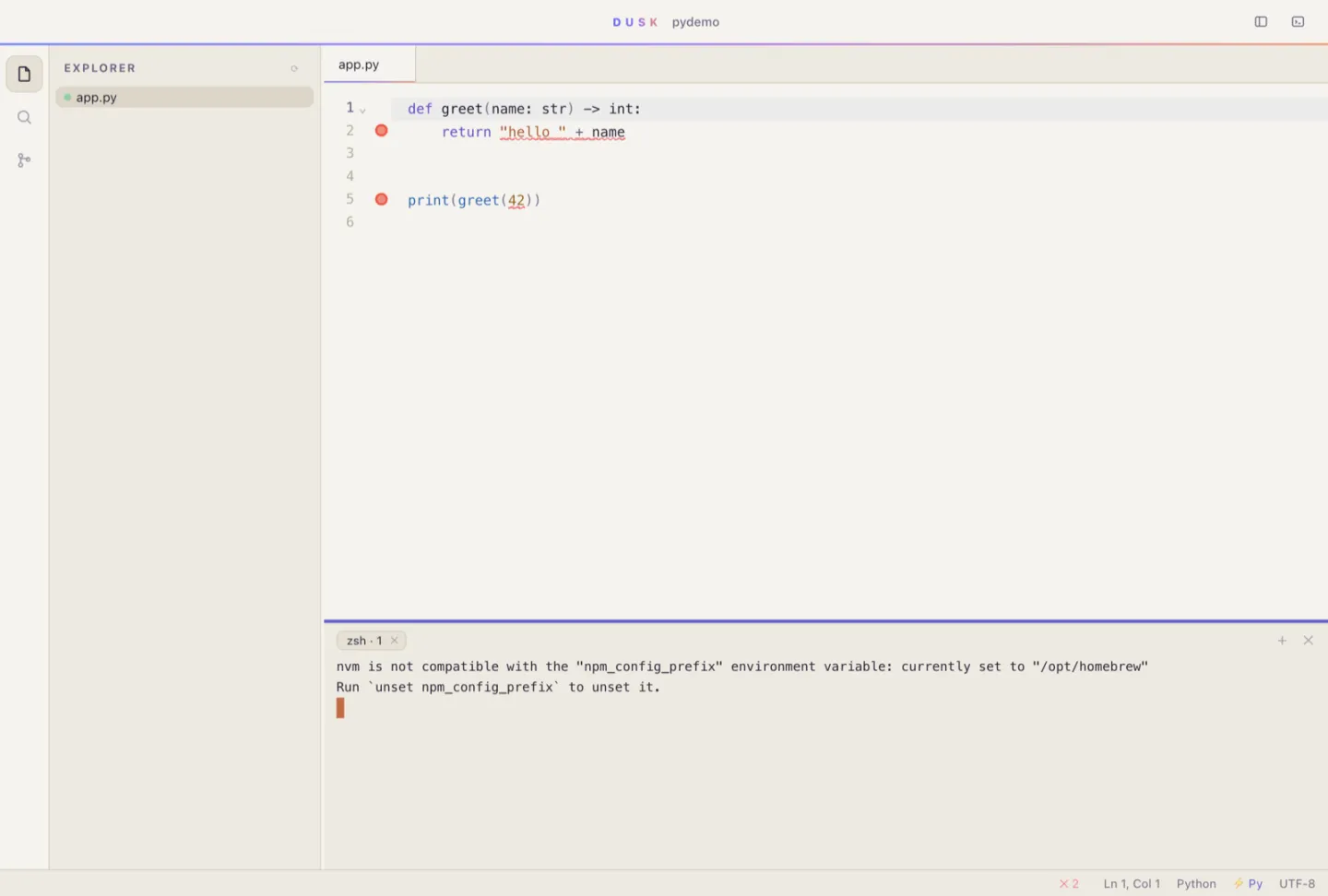
Breakpoints, step over / into / out, call stack and an expandable variables tree for Python and Node.js, over the standard Debug Adapter Protocol. F5 and go.
Split editors, terminal & browser
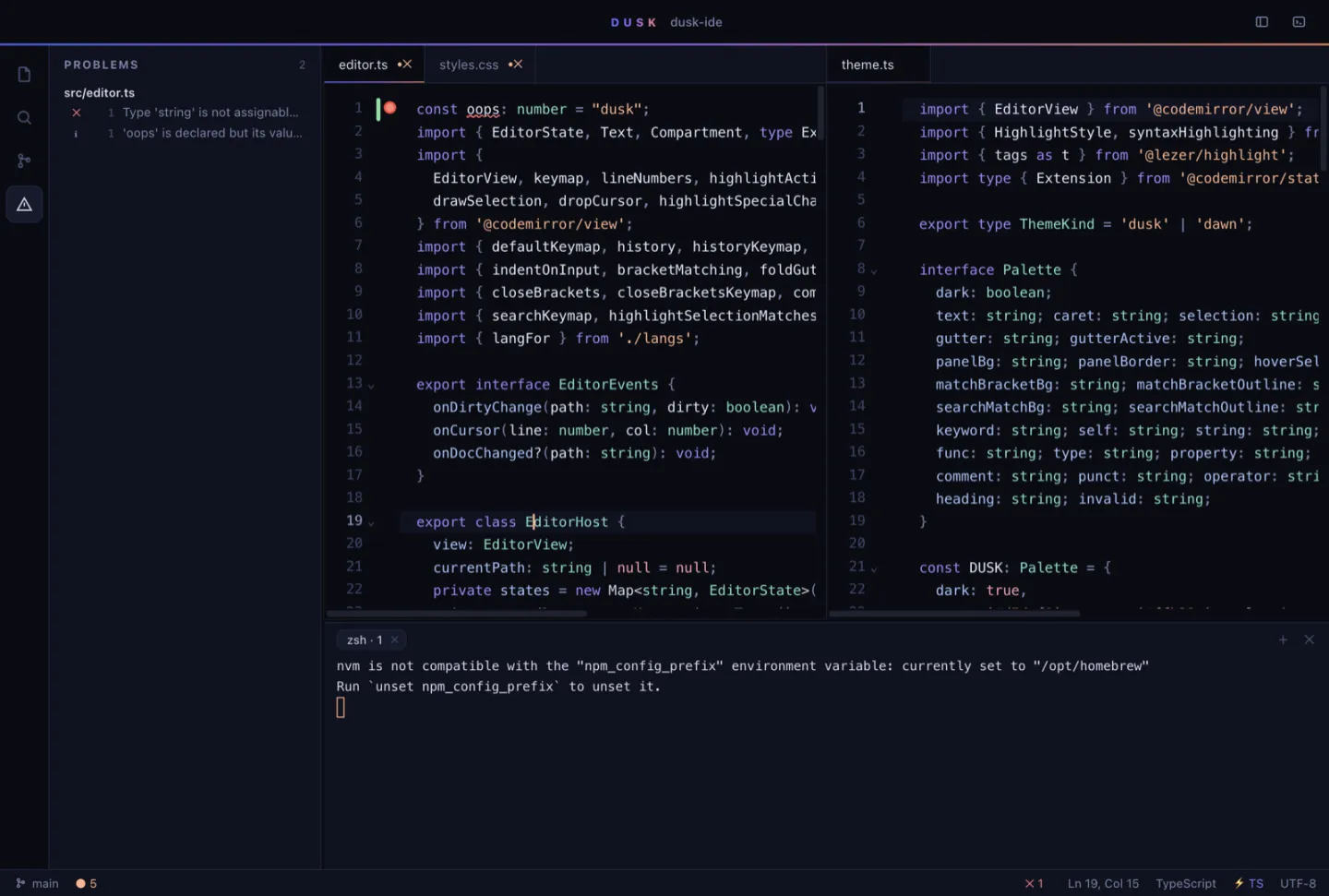
Side-by-side panes, a multi-tab terminal running your login shell, and a sandboxed browser pane that reloads your page every time you save.
Plugins
A plugin is one JavaScript file. Each runs sandboxed in its own Web Worker with no Node access — commands, keybindings, status items, storage. Install more from the plugin registry without leaving the app.
Never lose work
Unsaved buffers are mirrored to a recovery copy as you type, optional autosave, and disk-vs-buffer conflicts are always your call — never silent.
Deploy from the editor
Define deploy targets with run, rsync and ssh steps in a form-based manager, then ship with ⌘⇧U and watch the output stream live.
Dusk & Dawn
Two complete themes — twilight dark and warm-paper light — switching editor, terminal and chrome together. Every shortcut is rebindable. Amber caret included.
A quick look
Tour the golden hour
Muscle memory, respected
The shortcuts you'd guess
- ⌘P Quick open
- ⌘⇧P Commands
- @ Symbols
- F2 Rename symbol
- ⌘⇧F Search project
- ⌘⇧D Diff file
- ⌘\ Split editor
- ⌘J Terminal
- F5 Debug
- ⌘⇧A AI agents
- ⌘⇧B Browser
- ⌘⇧V Markdown preview
- ⌘, Settings
Built different
A VS Code alternative, from scratch on purpose
Dusk is not a VS Code fork. The editor core is CodeMirror 6, the shell is Electron, and every pixel of the interface is ours — the horizon line, the command deck, the glass palettes, the amber caret.
The renderer has no framework. Hand-rolled DOM in one small bundle means fast cold starts, and the editor never fights a virtual DOM for your keystrokes.
Standards, not silos. Language smarts come over the Language Server Protocol and debugging over the Debug Adapter Protocol — the same servers VS Code uses, so adding a language is a registry entry, not a rewrite.
Questions
Dusk IDE FAQ
Is Dusk a VS Code fork?
No. Dusk is built from scratch: the editor core is CodeMirror 6, the shell is Electron, and the interface is hand-written with no UI framework. It speaks the same Language Server Protocol and Debug Adapter Protocol as VS Code, so it gets the same language smarts without being a fork.
Is Dusk free?
Yes. Dusk is free while it is in alpha, with no account and no sign-up.
Which platforms does Dusk run on?
macOS (Apple silicon and Intel), Windows (x64 installer) and Linux (AppImage). On macOS you can also install it with Homebrew: brew install --cask duskengservices/dusk/dusk.
Which programming languages does Dusk support?
Syntax highlighting covers 40+ languages. Nine language servers ship built in — TypeScript, JavaScript, Python, JSON, CSS, HTML, YAML, Shell and Markdown — and Rust, Go, C/C++, Lua and Ruby light up automatically when rust-analyzer, gopls, clangd, lua-language-server or solargraph are installed.
Can I run AI coding agents like Claude Code or Codex in Dusk?
Yes. Dusk detects agent CLIs on your PATH — Claude Code, Codex, Gemini, Aider, OpenCode and Cursor Agent — or any custom command, and runs several at once in their own session tabs. Each agent can work in its own git worktree so parallel agents never collide. Dusk stores no API keys and ties you to no vendor.
Does Dusk collect telemetry?
No. Dusk has zero telemetry. The only network calls are an update check against GitHub Releases (which you can switch off), the plugin registry when you browse it, and problem reports that you choose to send after previewing them.
macOS says Dusk is damaged or can't be opened. What do I do?
Alpha builds are not notarized yet. Drag Dusk to Applications, then run xattr -dr com.apple.quarantine /Applications/Dusk.app once in Terminal and open Dusk normally. Installing with Homebrew does this for you.
Can I write plugins for Dusk?
Yes. A plugin is a single JavaScript file using the dusk API. Plugins run sandboxed in their own Web Worker with no Node access, can register commands, keybindings and status items, and can be installed or submitted from the plugin registry inside the app.
Download Dusk and try the alpha tonight
Free while in alpha. No account, no telemetry.
macOS — drag Dusk to Applications, then run this once in Terminal to clear the download quarantine:
xattr -dr com.apple.quarantine /Applications/Dusk.appThen open Dusk normally. (If macOS still says the app can't be checked, right-click Dusk → Open.)
Windows — SmartScreen may warn about an unrecognised app: More info → Run anyway.
Linux —
chmod +x the AppImage, then run it.
Homebrew: brew install --cask duskengservices/dusk/dusk · checksums & release notes on GitHub Releases